PengyOS Desktop: the session, some of the apps that ship in the image, and the artwork it
boots with. Click any picture for the full-size version.
The Desktop
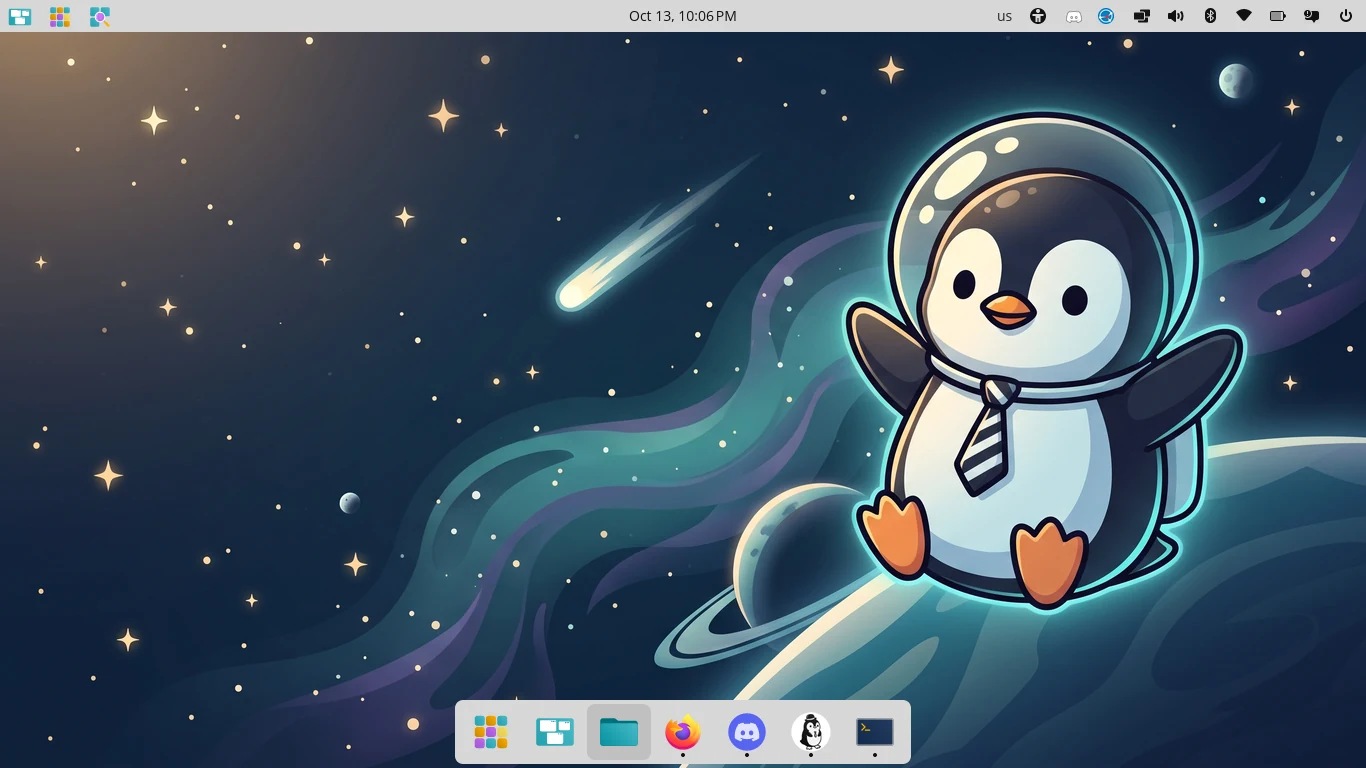
The Desktop. COSMIC on Wayland, with the panel along the top, the dock at the
bottom, and the wallpaper. This is what a fresh install boots into.
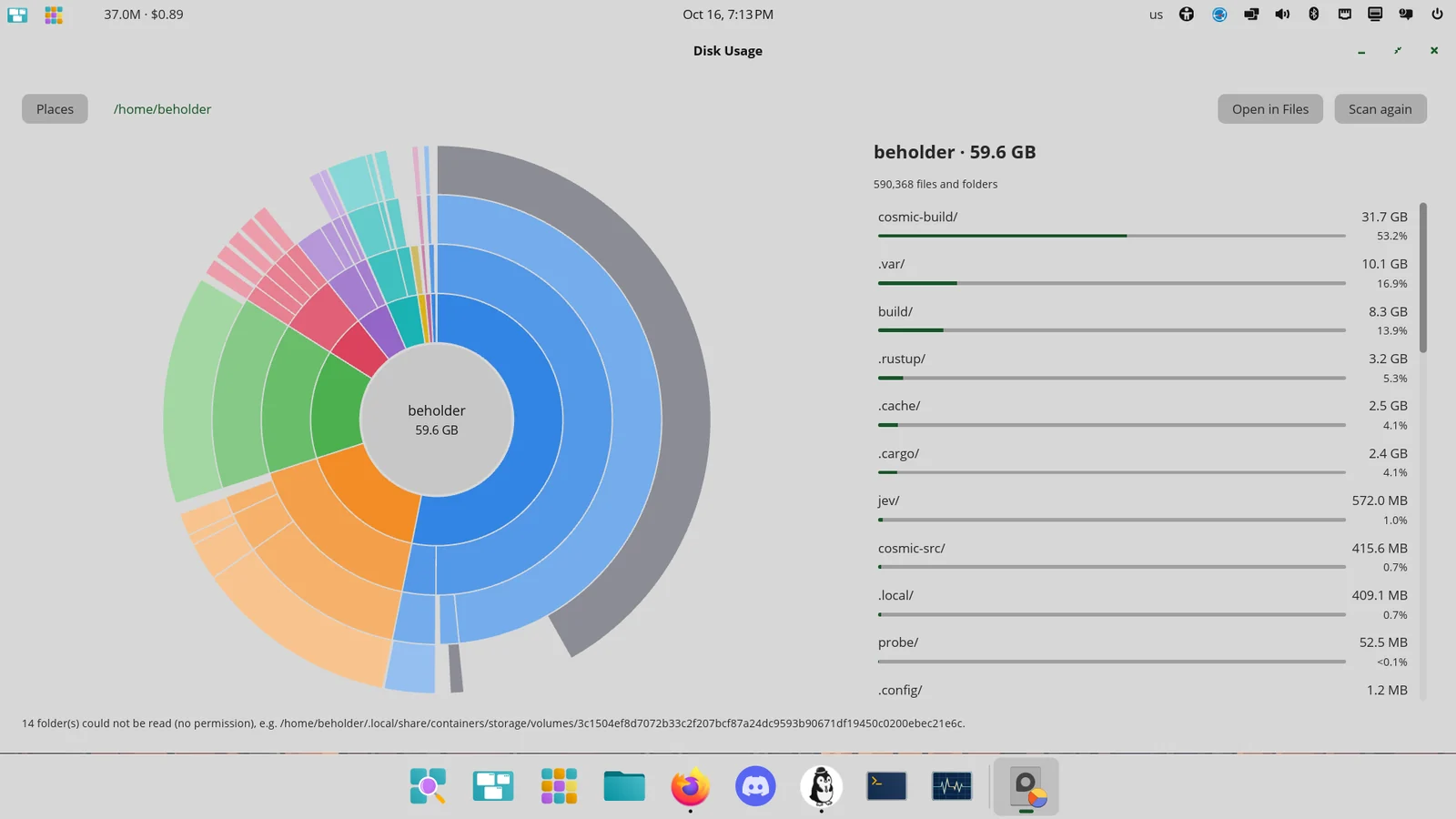
Disk Usage. What is eating your home folder, as a ring chart next to a ranked
list — cosmic-build is 31.7 GB of the 59.6 GB here. Click a folder to go
in, click the middle to come back up. It only reads, so it never asks for a password.
The apps
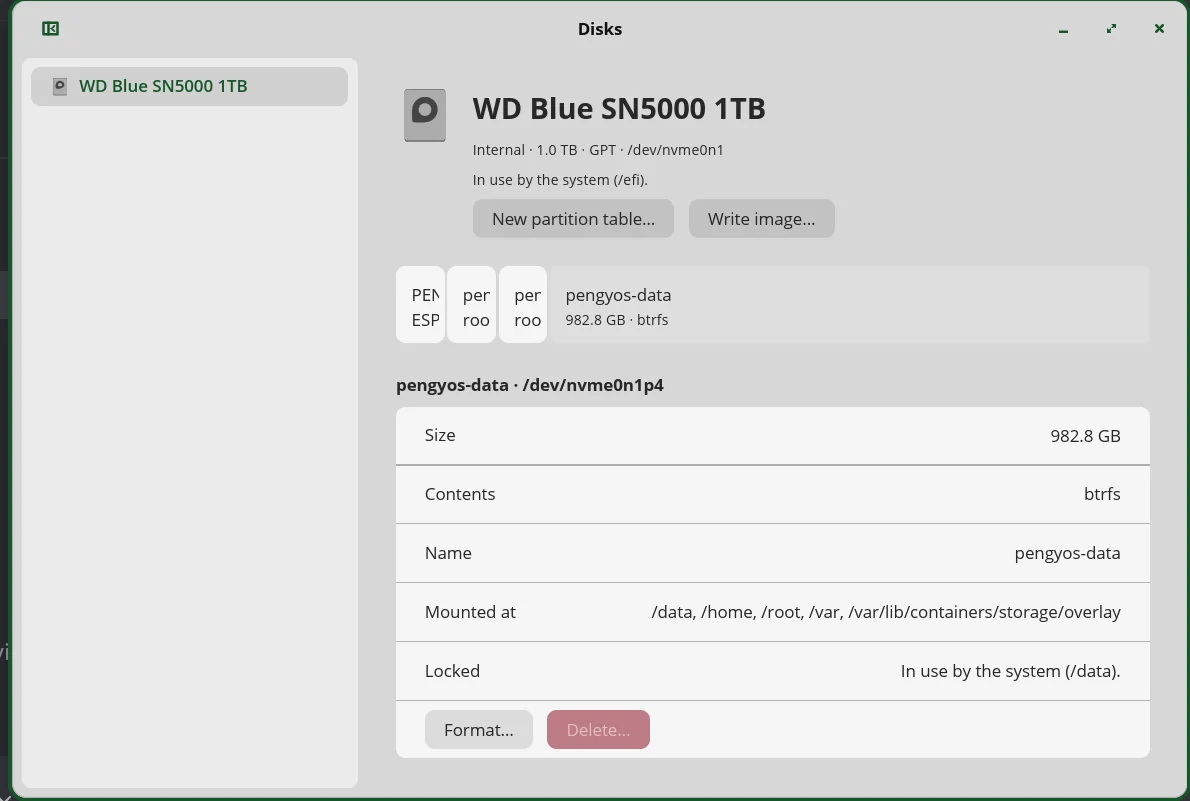
Disks. The machine's NVMe drive and the pengyos-data btrfs
partition: 982.8 GB holding /data, /home, /root
and /var. The running system's own partitions are listed but locked.
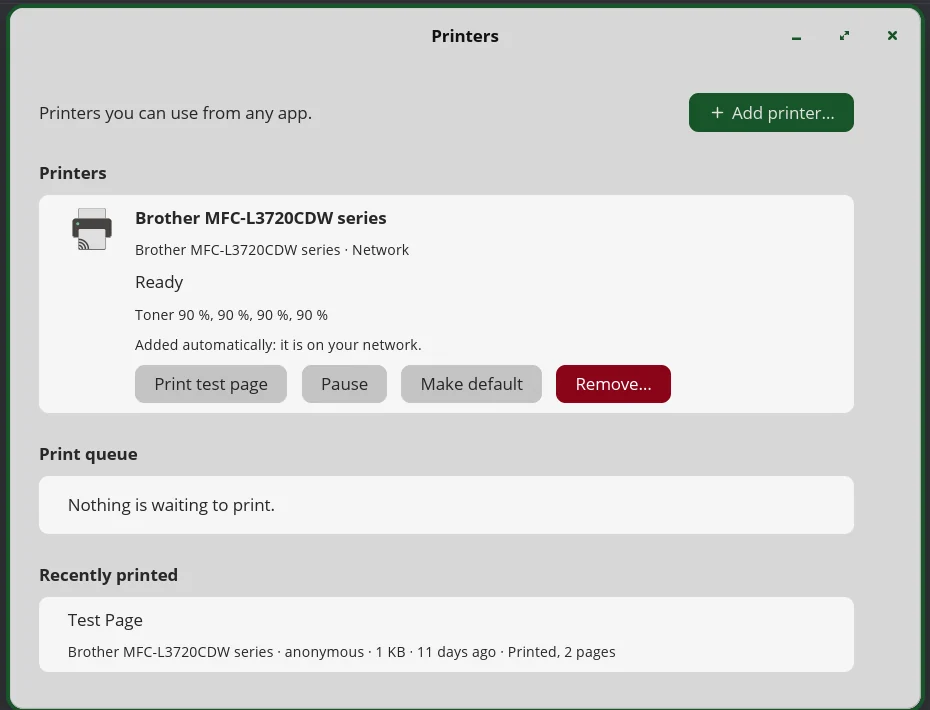
Printers. A Brother MFC-L3720CDW found on the network and added without anyone
typing an address, queue and recently-printed list included.
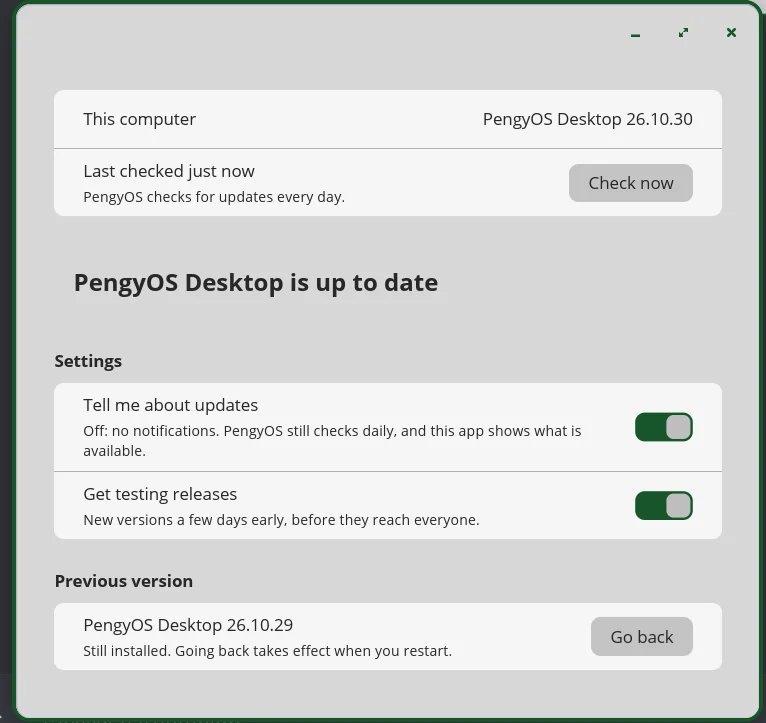
PengyOS Updates. Up to date, testing releases turned on, and the previous
release one click back. Updates land in the other system slot and are kept only if the machine
boots cleanly.
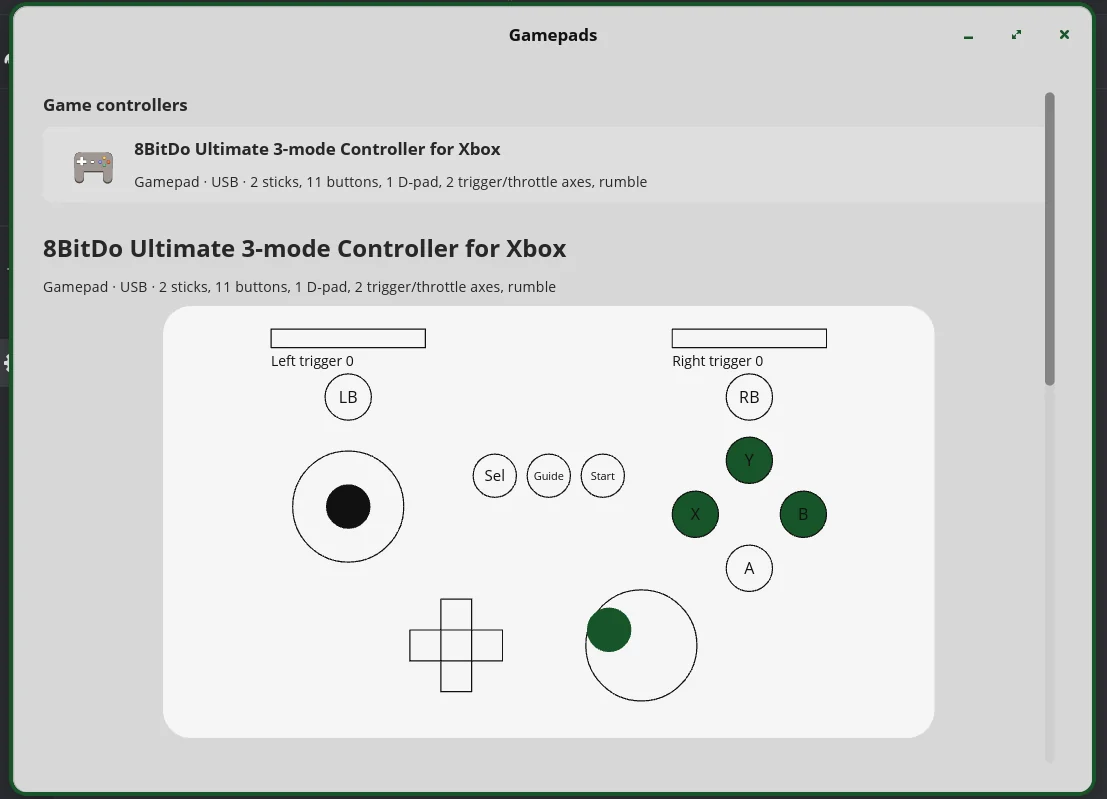
Gamepads. An 8BitDo Ultimate over USB (2 sticks, 11 buttons, a D-pad and two
trigger axes), with the buttons and sticks lighting up as they are pressed.
Wallpapers
The wallpaper. PengyOS's mascot in a flight helmet and a tie, drifting past an
aurora. This is the default desktop background.
The wallpaper set. All twenty of them, 2720×1530 at exact 16:9, proofed as one
sheet on 2026-10-06 before they went into the image.